
Dozens, sometimes hundreds of notifications a day: promotions, social media, games, news… Eventually, you can't tell what's important from what isn't. And the day someone you love really needs you, their message gets lost in the noise. Here's how to clean it up.
Why Notifications Wear Us Out
Every notification interrupts your attention. Even if you don't open it, it triggers a little urge to check. Multiply that by dozens and your day gets fragmented and more stressful.
Step 1: Take Inventory
For one day, notice (or check in Settings) which apps send you the most notifications. The results are often surprising.
Step 2: Apply the “People First” Rule
Keep notifications that come from people (messages, calls, family) and turn off the ones that come from apps (promos, suggestions, marketing reminders).
Step 3: Turn Off the Noise
In your phone's Settings, under Notifications, go through every app. Be ruthless. You can always turn one back on later.
Step 4: Use Scheduled Summaries
Most recent smartphones can bundle non-urgent notifications and deliver them at set times (for example, noon and 6 p.m.).
Step 5: Set Up Focus Modes
Create a “Work” and a “Sleep” mode that only let essential contacts through. Add your loved ones and the apps that truly matter.
Step 6: Protect the Notifications That Matter Most
Some notifications should never be missed: a call from an aging parent, an alert from a loved one. Make sure they're allowed even in Focus mode.
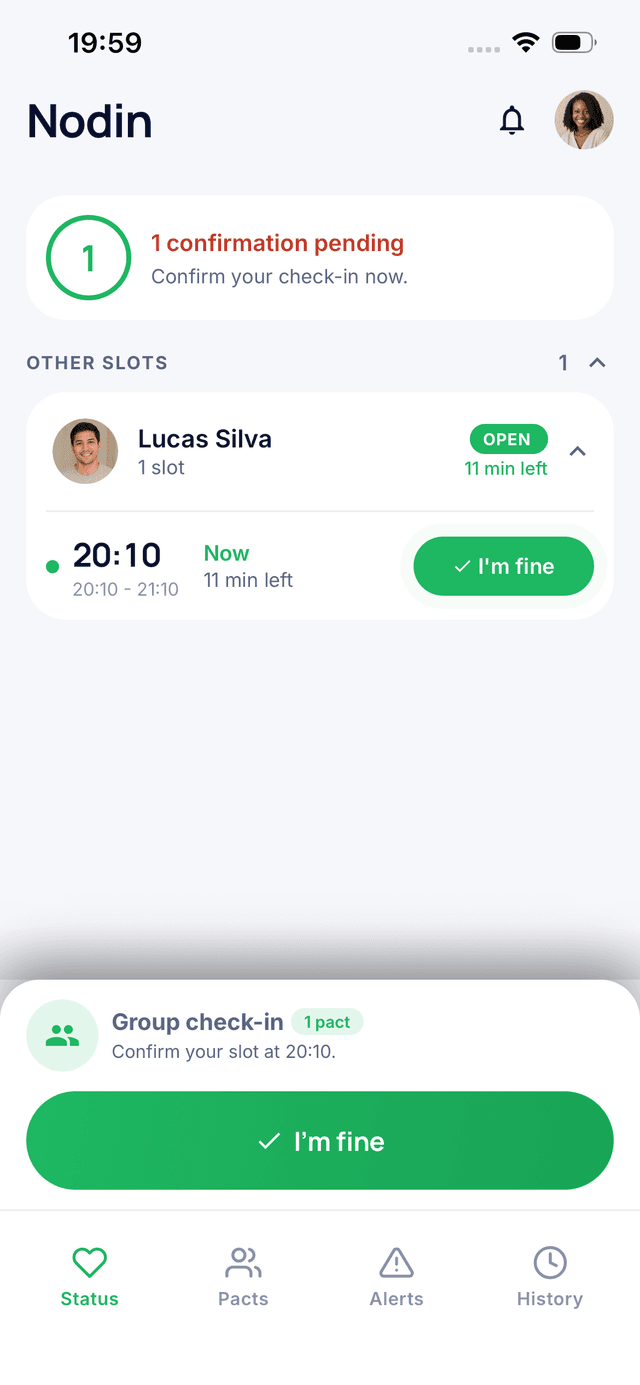
That's the case with Nodin: if a loved one misses their check-in, you need to get that alert. Add the app to your exceptions so it always comes through. And the good news: Nodin only sends notifications that matter: your check-in reminders and alerts, never marketing nudges.
Step 7: Review Every Month
New apps bring new notifications. A quick monthly cleanup keeps your phone calm.
Go further: Digital Wellbeing: How to Use Your Phone to Connect, Not Scroll.
The Bottom Line
Fewer notifications means more attention for what really matters. Cut the noise, keep the people, and protect the alerts that count.
Stay connected with the people who matter
Nodin is a free app that lets two trusted people share a simple sign of life every day. One tap to say you are okay, and if someone goes silent, the other is notified.