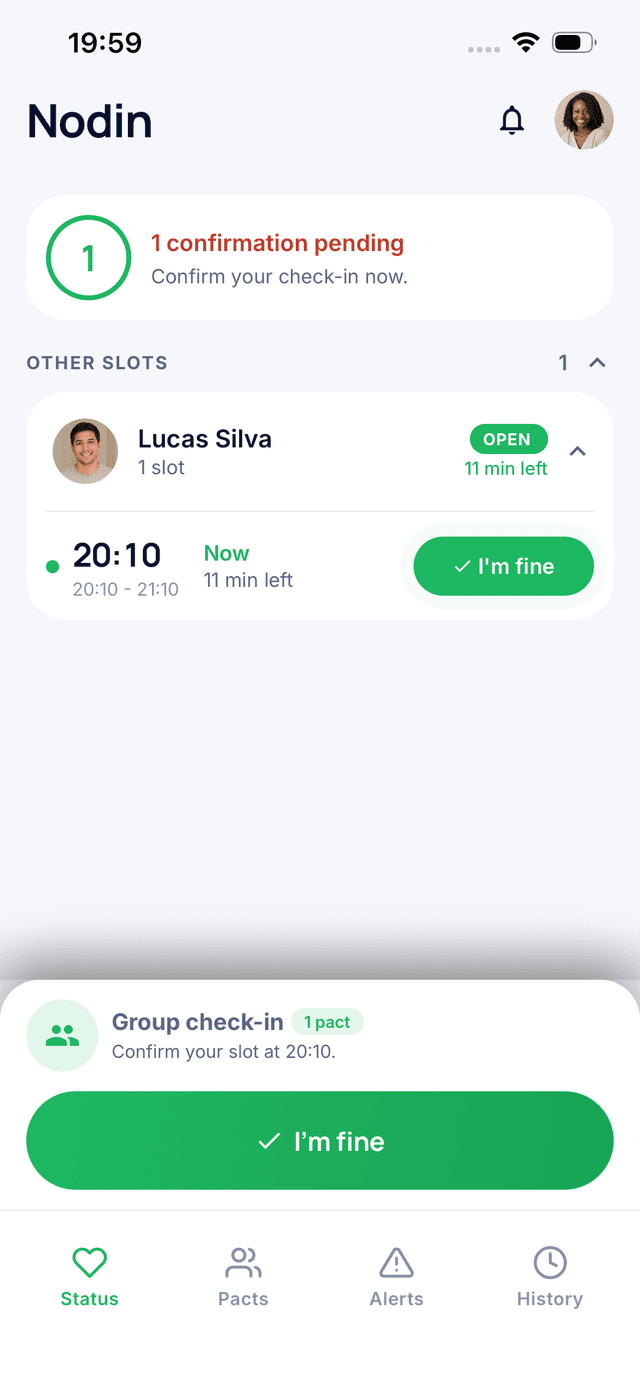


Nodin is built on one simple tap, but its settings let you adapt it to any lifestyle: shifting hours, weekends, vacations, night shifts. Here's how to get the most out of your Nodin settings.
The Weekly Schedule
Your week isn't the same every day, and your schedule doesn't have to be either. Nodin lets you set different check-in times by day.
- Weekdays: a check-in after you wake up or when you get to work.
- Weekends: a later time so you can sleep in.
- Shift or night work: a time that matches the end of your shift.
Multiple Check-Ins per Day
Sometimes one check-in isn't enough: a hike, a parent who prefers contact morning and evening, a more fragile period. You can add several check-in times during the day, then go back to one when things change.
The Grace Period
No one has their phone in hand at the exact minute. The grace period gives you some leeway after the scheduled time before your loved one is alerted. That's what prevents false alarms.
Tip: choose a time when your phone is naturally in your hand, rather than a theoretically perfect time. An easy-to-keep check-in beats a perfect one.
Pause Mode
Vacation, a planned hospital stay, a weekend with family, a phone-free retreat: turn on pause mode. Check-ins are suspended and your loved one is informed. No one worries about a silence they expected.
Just remember to turn it off when you're back.
Moods and Short Notes
Along with your check-in, you can share your mood or a short message. It's optional, but it's often what turns a safety ritual into a real moment of connection.
Trusted Contacts
Your first pact is free. With the premium plan, you can have up to 4 trusted contacts: handy for a spread-out family, or to make sure at least one person nearby is notified.
The Emergency Screen
In one tap, you can call your contact, text them, or reach emergency services. Take a minute to explore it before you ever need it.
Quick Recap
- A check-in time that's easy to keep, not too early.
- A different weekend schedule if needed.
- Extra check-ins during riskier times.
- Pause mode for planned absences.
- Notifications always allowed, including in Focus mode.
Just getting started? Begin with How to Set Up Your First Nodin Pact.
The Bottom Line
Set up well, Nodin fades into your routine: one tap at the right time, some leeway for the unexpected, and a pause when you need it.
Stay connected with the people who matter
Nodin is a free app that lets two trusted people share a simple sign of life every day. One tap to say you are okay, and if someone goes silent, the other is notified.